Destination Path Too Long Utility – Delete Long Name Files

Abto created a Windows tool allowing to copy and delete files and folders with long paths or locked by some applications.
Undeletable files with path too long issue are often created by viruses, adware, different OS and various software applications. Some of them may be harmful for the computer or the whole system and occupy large volumes of space on disks. Path Too Long Utility identifies the processes (running programs) that have locked that file, preventing it from being deleted, moved or renamed.
The tool is a highly effective and user-friendly application. It’s enough just to browse for the file and press the “delete” button to get rid of those irritating files. The program works under Windows 2000, XP, 2003, Vista and Windows 7.
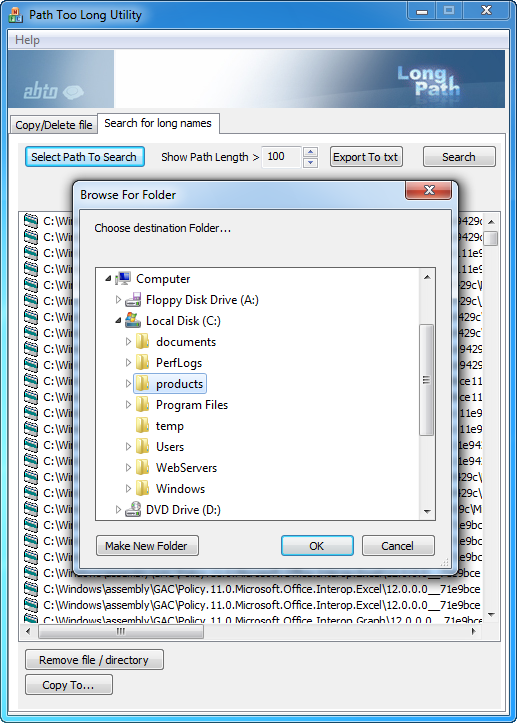
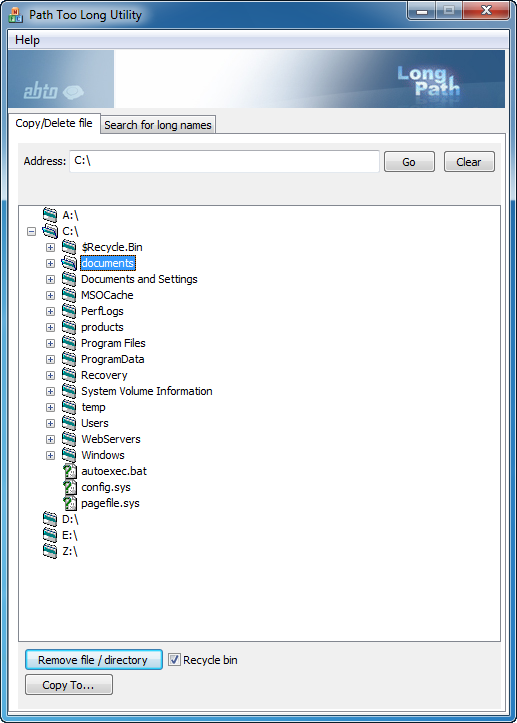
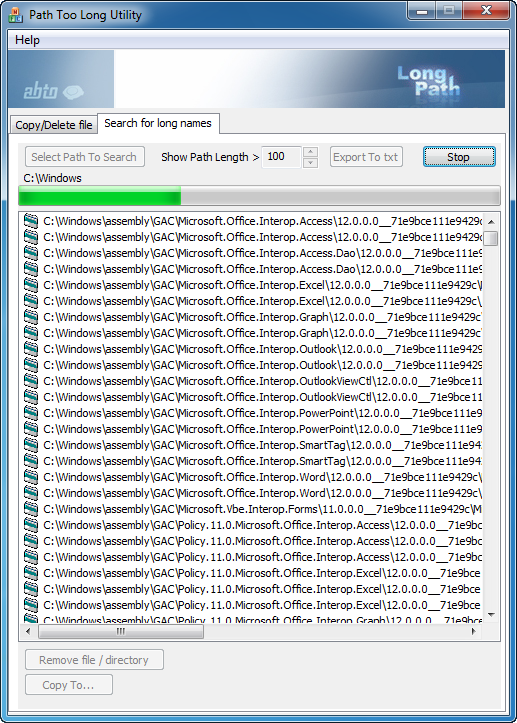
Our tool will be helpful if you obtain the following messages from Windows:
- Path is too long
- Cannot delete file path too long
- Filename’s too long
- File name is too long to delete
- File path too long
- Path too deep.
- Error 1320. The specified path is too long
- Cannot delete file: “Access is denied”.
- There has been a sharing violation.
- The source or destination file may be in use.
- The file is in use by another program or user.
- Make sure the disk is not full or write-protected and that the file is not currently in use.
- Error Deleting File or Folder
- Cannot delete file or folder. The file name you specified is not valid or too long. Specify a different file name.
Main Features of the Long Pass Utility
- Straightforward interface
- Simple to use
- Developer and end-user versions
- Proven to work
- Delete system locked files
- Can delete files even from mapped network folders
- Can list files and paths which have file path more than 200 characters long
- Close application that uses the file
- Unload locking process
- Copy and delete files and folders
- Delete after reboot
- Omits file name you specified is not valid or too long
Path too long support
Library to be used with C#, C++ and VB allows your programs to overcome standard limitation on path length to files and directories. This limitation encounters in explorer, different file managers, and even when working with WinAPI itself.
Our libraries work with both NTFS and FAT32 file systems. The library solves the problem with trailing spaces or other unsupported characters in filenames as well.
This problem often occurs, for example, when sharing or working under Windows with files, originally created under MacOS. The trailing spaces in filenames are supported in MacOS. But not under Windows. Using our library you can overcome this restriction.
Keywords: path too long, filenames too long, the specified path is too long, file name is too long to delete, destination path too long, error 1320 the path is too long, error 1320 the specified path is too long, error 1320
Path Too Long System Requirements: Windows XP / 2k / Vista / 7
Download Path Too Long
Please download trial version of Path Too Long on the product website.
For more details about Path Too Long software check our dedicated site www.pathtoolong.com.
If you have any questions regarding the product, purchasing, licenses etc., please, don’t hesitate to contact us at [email protected] with subject “Path too long” or call us +1 773 273 8080.
